
Empower Your Tech Journey
Discover Upcoming Training Events
Join us at for Tech Talks by Tech Tutors to explore a series of engaging events designed to help you master your technology with confidence and ease.
Upcoming Training Sessions
In-Person Training
Cyber Security Essentials
Join us for our Cyber Security Essentials Training Session!
In this session, we’ll cover the fundamentals of cyber security and share practical tips to keep your information safe. You’ll learn about common scams and pitfalls that many clients are currently encountering – and how to protect yourself from them.
Friday July 10, 2026
10am-11:30am
Tech Tutors Office
ProTech Members- $40/ person
NonProTech Members- $45/ person
To Register Please Contact Our Office
Iphone/ Ipad Essentials- Part 1
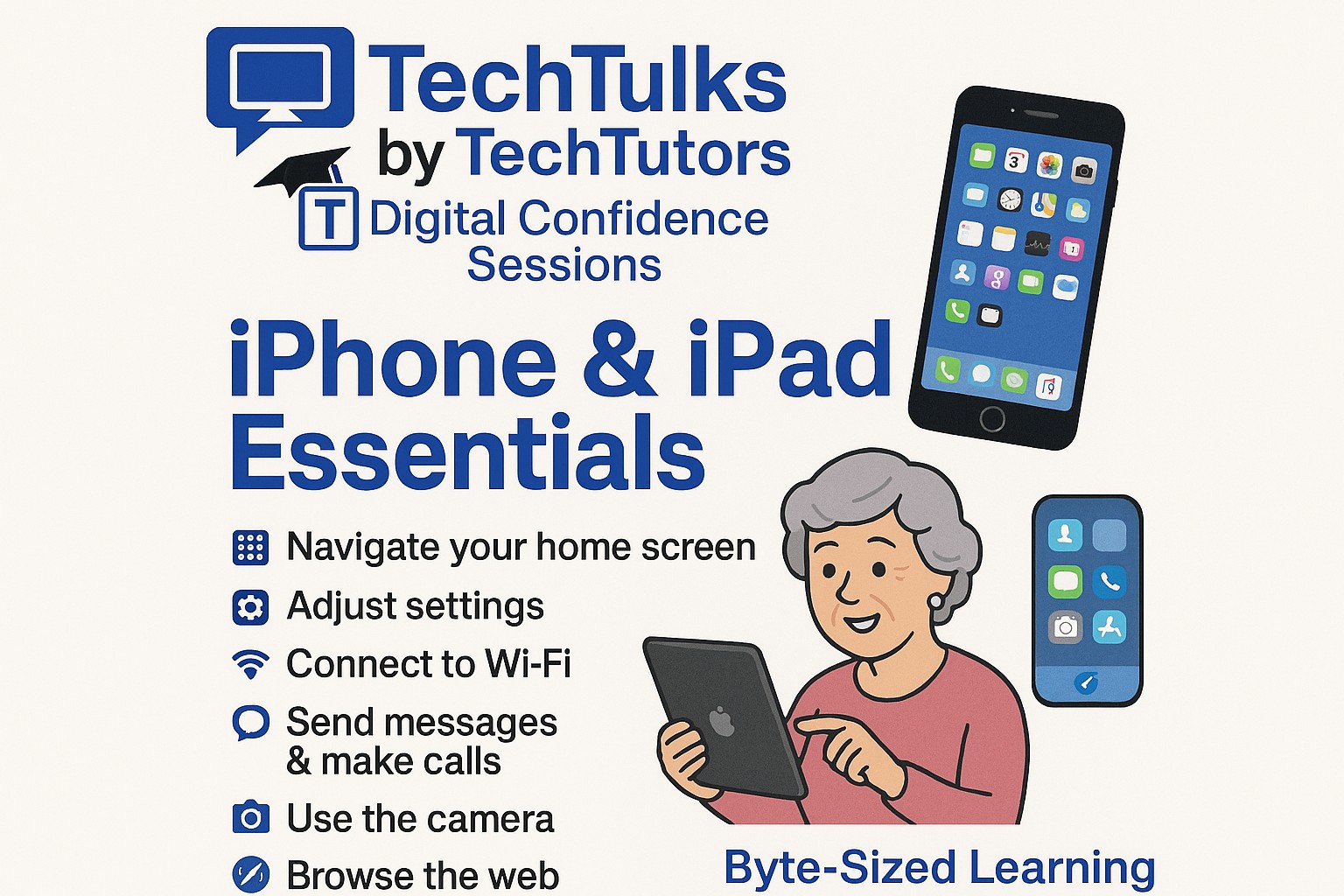
iPhone & iPad Essentials
A Byte‑Sized Learning Session for Everyday Confidence
Take the mystery out of your iPhone or iPad with this welcoming, hands‑on session from Tech Tutors. Designed for those who want to feel more comfortable with their devices, this class focuses on the true essentials – explained clearly, patiently, and at your pace.
In this Digital Confidence Session, you’ll learn how to:
- Navigate your home screen and essential gestures
- Adjust important settings to make your device easier to use
- Connect to Wi‑Fi and manage notifications
- Send messages, make calls, and stay connected
- Browse the web safely
- Find and download helpful apps
No tech experience needed – just curiosity! At Tech Tutors, we break everything down into simple, bite‑sized steps that build real confidence with your technology.
Unlock the power of your iPhone or iPad and enjoy what your device can do for you every day.
Friday July 24, 2026
10am-11:30am
Tech Tutors Office
ProTech Members- $40/ person
NonProTech Members- $45/ person
To Register Please Contact Our Office
Iphone/ Ipad Essentials- Part 2
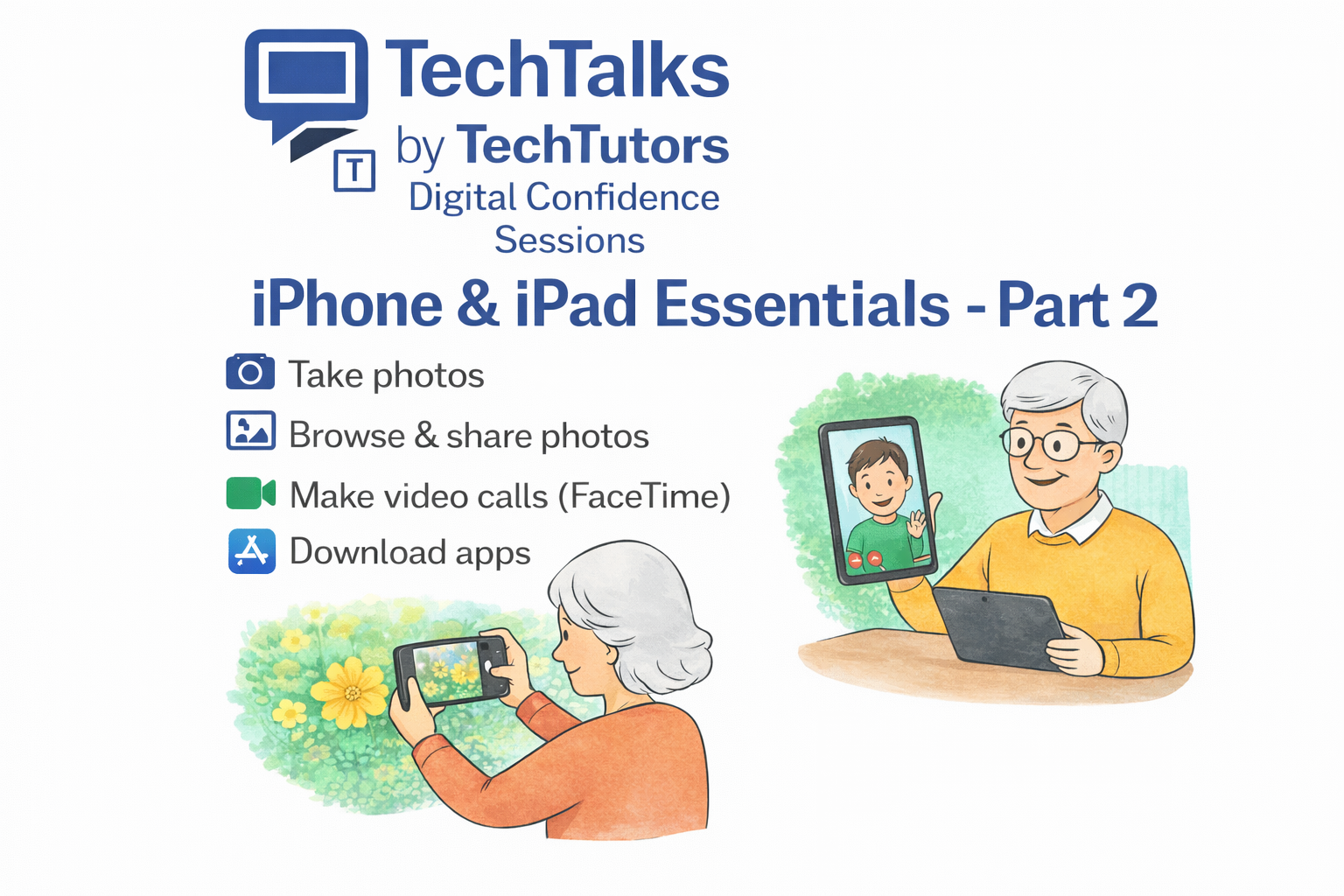
iPhone & iPad Essentials- Part 2
A Byte‑Sized Learning Session for Everyday Confidence
Feel more confident using your iPhone or iPad to connect, capture memories, and explore new apps — one step at a time.
This friendly, hands‑on session is designed for anyone who has learned the basics and is ready to go further at a comfortable pace.
✅ What You’ll Learn
- 📸 Take great photos and simple videos
- 🖼️ Browse, organize & share photos with friends and family
- 📞 Make video calls using FaceTime
- 📲 Download apps safely from the App Store
👍 Why Attend?
- Clear, simple instructions — no tech jargon
- Small‑group or guided learning environment
- Hands‑on practice with time for questions
- Learn at your own pace with patient support
👥 Who It’s For
✔ iPhone & iPad users with basic experience
✔ Anyone wanting more confidence using everyday features
✔ No pressure, no rushing — just practical learning
Friday August 21, 2026
10am-11:30am
Tech Tutors Office
ProTech Members- $40/ person
NonProTech Members- $45/ person
To Register Please Contact Our Office
Android Essentials- Part 1
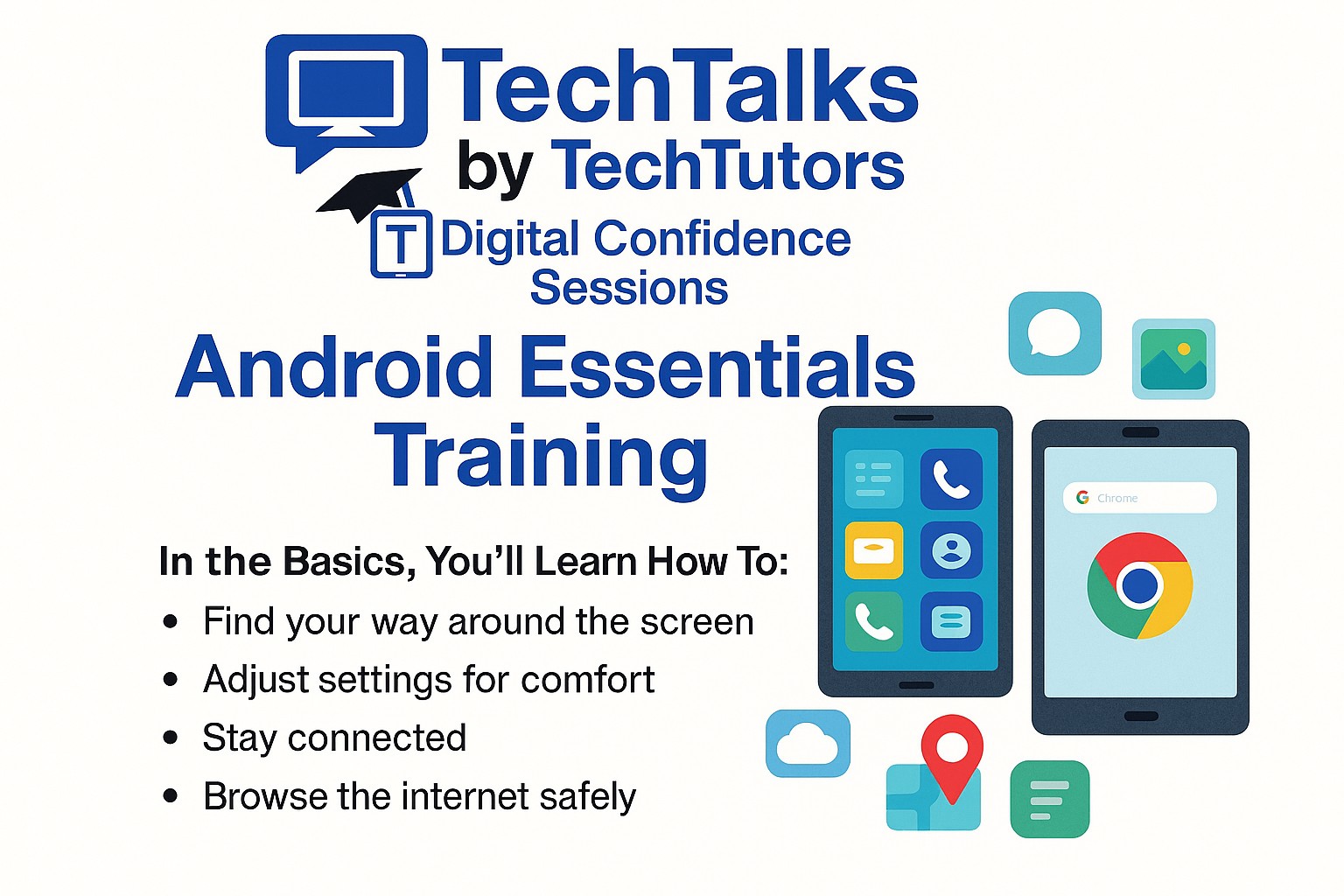
Discover just how easy your Android phone or tablet can be! Join us for a relaxed, beginner‑friendly session designed to help you feel more confident using your device in everyday life. No pressure, no tech jargon — just simple explanations, hands‑on practice, and plenty of time for questions.
In the Basics, You’ll Learn How To:
- Find your way around the screen — opening apps, using touch gestures, and recognizing important icons.
- Adjust settings for comfort — change text size, brightness, volume, and Wi‑Fi settings so your device works better for you.
- Stay connected — make calls, send messages, and use video chat apps to talk with family and friends.
- Browse the internet safely — search the web, open websites, and spot common online scams.
- Take and view photos — use the camera, find your pictures, and share them easily.
- Explore everyday apps — learn about the Play Store, how to download apps, and try helpful tools like Maps, Calendar, and Email.
- Keep your device safe — understand passwords, screen locks, and simple privacy tips.
By the end, you’ll feel more comfortable, more confident, and ready to enjoy everything your Android device can do for you.
Friday September 4, 2026
10am-11:30am
Tech Tutors Office
ProTech Members- $40/ person
NonProTech Members- $45/ person
To Register Please Contact Our Office
Android Essentials- Part 2
Digital Confidence Sessions | Byte‑Sized Learning
Do you take photos on your Android phone but aren’t sure where they go—or how to find them later?
Join us for Android Essentials – Part 2: Camera & Photos, a friendly, hands‑on session designed to help you feel confident using your Android phone or tablet.
In this session, you’ll learn how to:
✅ Take clear photos with your Android device
✅ Find, organize, and delete photos
✅ Create photo albums
✅ Make simple photo edits
✅ Understand backup and storage (Google Photos made easy)
No pressure. No tech jargon. Just simple steps and patient guidance.
👥 Small group learning
📲 Bring your own Android phone or tablet
🕒 Beginner‑friendly pace
Why Attend TechTalks?
TechTalks by Tech Tutors focuses on digital confidence, helping you learn technology in a relaxed and supportive environment.
Friday September 18, 2026
10am-11:30am
Tech Tutors Office
ProTech Members- $40/ person
NonProTech Members- $45/ person
To Register Please Contact Our Office
MacBook & iMac Basics- Part 1
MacBook & iMac Basics – Part 1
An introduction for beginners
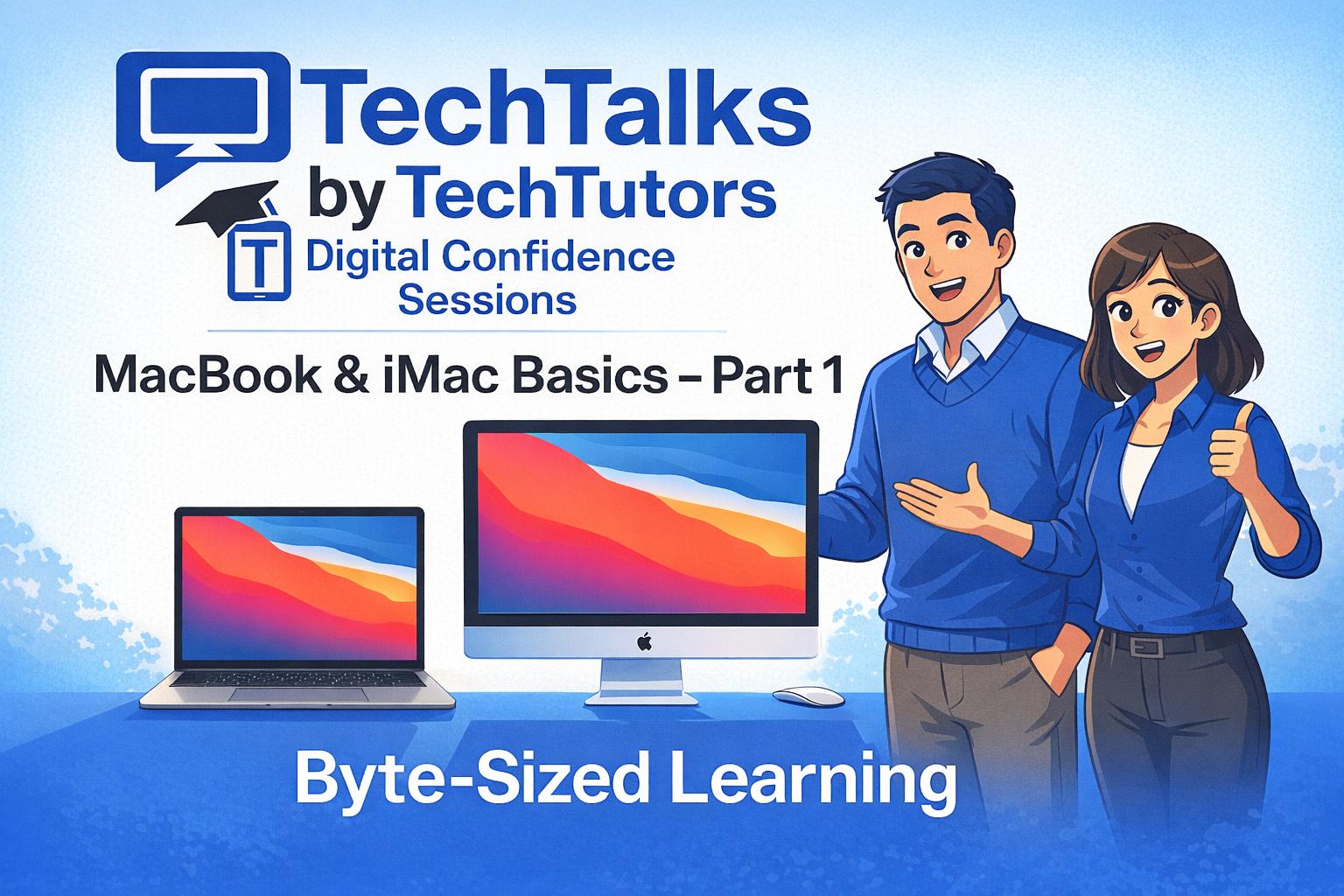
Join us for a confidence‑building session designed especially for those who are new to using a MacBook or iMac. In Part 1, we’ll start with the true basics: how to turn your MacBook/ iMac on and off, how to use the trackpad comfortably, and what the different icons and buttons on your screen mean.
We’ll walk you through how to open and close programs, find your files, and use helpful tools like Safari for browsing and Finder for staying organized. Everything will be explained in simple, everyday language – no tech jargon, no pressure.
You’ll learn at an easy pace with step‑by‑step demonstrations, and there will be plenty of time for questions along the way. By the end of this session, you’ll feel more familiar with your MacBook/ iMac and ready to explore what it can do.
Friday October 2, 2026
10am-11:30am
Tech Tutors Office
ProTech Members- $40/ person
NonProTech Members- $45/ person
To Register Please Contact Our Office
MacBook & iMac Basics- Part 2
MacBook & iMac Basics – Part 2
Get Organized. Work Smarter. Feel More Confident.
Ready to take the next step with your Mac?
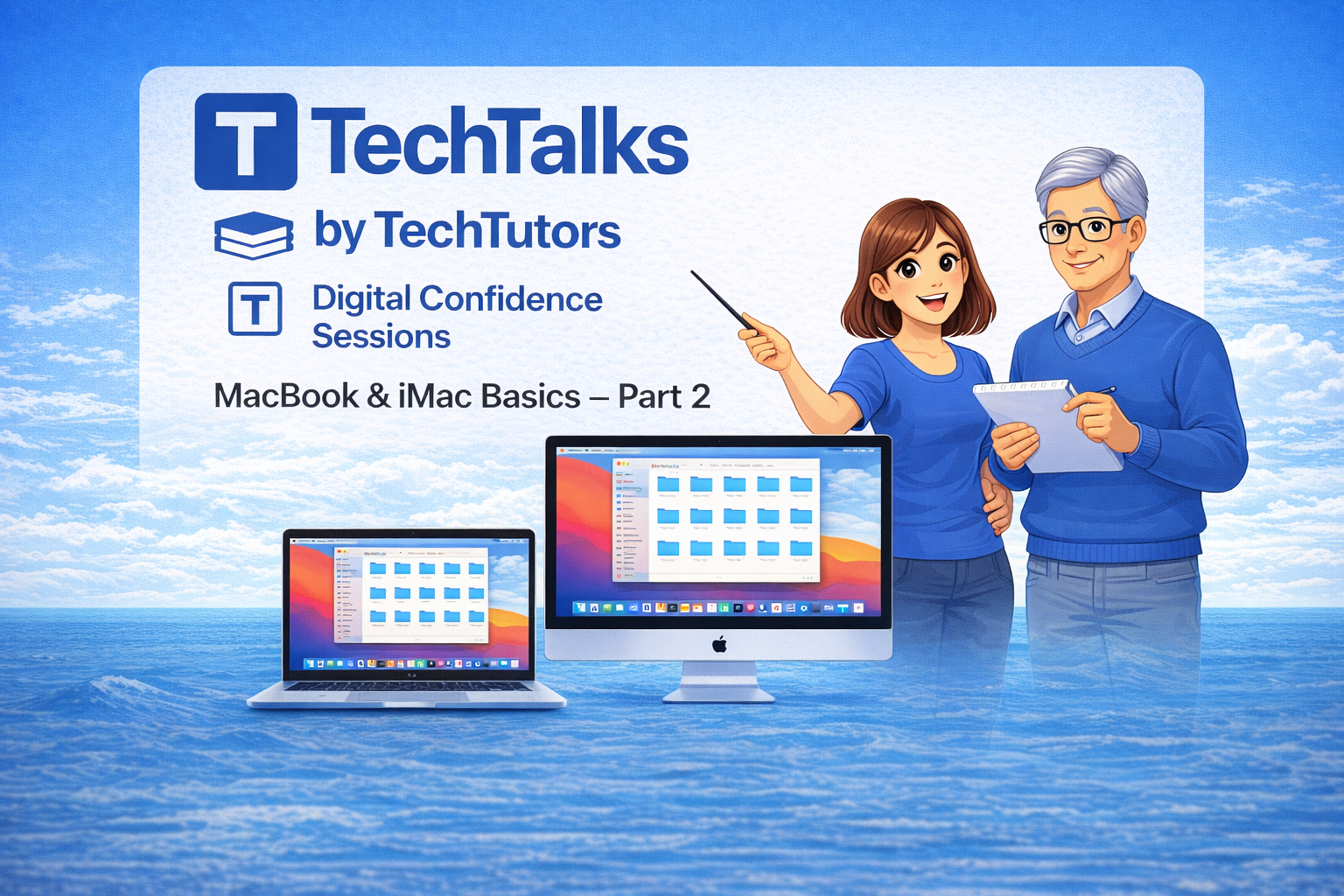
This hands‑on session builds on the basics and focuses on organizing files, managing documents, and using helpful accessibility tools—all taught in a calm, easy‑to‑follow way.
What You’ll Learn
✅ How to navigate the Finder and keep files neatly organized
✅ Simple ways to create, save, and find documents and downloads
✅ Accessibility tools like text enlargement, Zoom, and dictation
✅ Practical tips that make everyday Mac use easier
Why This Session Works
✔ Step‑by‑step instruction
✔ Plain‑language explanations
✔ No rushing, no jargon
✔ Plenty of guided practice and questions welcome
Perfect for anyone who wants to feel more comfortable and in control on their MacBook or iMac.
Friday October 16, 2026
10am-11:30am
Tech Tutors Office
ProTech Members- $40/ person
NonProTech Members- $45/ person
To Register Please Contact Our Office
Android Essentials- Part 1
Discover just how easy your Android phone or tablet can be! Join us for a relaxed, beginner‑friendly session designed to help you feel more confident using your device in everyday life. No pressure, no tech jargon — just simple explanations, hands‑on practice, and plenty of time for questions.
In the Basics, You’ll Learn How To:
- Find your way around the screen — opening apps, using touch gestures, and recognizing important icons.
- Adjust settings for comfort — change text size, brightness, volume, and Wi‑Fi settings so your device works better for you.
- Stay connected — make calls, send messages, and use video chat apps to talk with family and friends.
- Browse the internet safely — search the web, open websites, and spot common online scams.
- Take and view photos — use the camera, find your pictures, and share them easily.
- Explore everyday apps — learn about the Play Store, how to download apps, and try helpful tools like Maps, Calendar, and Email.
- Keep your device safe — understand passwords, screen locks, and simple privacy tips.
By the end, you’ll feel more comfortable, more confident, and ready to enjoy everything your Android device can do for you.
Friday October 23, 2026
10am-11:30am
Tech Tutors Office
ProTech Members- $40/ person
NonProTech Members- $45/ person
To Register Please Contact Our Office
Windows 11 Essentials Training- Part 1
Windows 11 Essentials Training – Part 1
Join us for an easy‑to‑follow session that will help you feel comfortable and confident using Windows 11. Whether you’re brand new to computers or switching from an older version of Windows, we’ll walk through the basics together. You’ll learn how to turn on your device, sign in, explore the Start Menu, browse the internet, and stay safe online.
Our goal is to make technology simple, approachable, and enjoyable. By the end, you’ll have the skills you need to use your computer for everyday tasks, communication, and a little fun, too!
Friday October 30, 2026
10am-11:30am
Tech Tutors Office
ProTech Members- $40/ person
NonProTech Members- $45/ person
To Register Please Contact Our Office
Android Essentials- Part 2
Digital Confidence Sessions | Byte‑Sized Learning
Do you take photos on your Android phone but aren’t sure where they go—or how to find them later?
Join us for Android Essentials – Part 2: Camera & Photos, a friendly, hands‑on session designed to help you feel confident using your Android phone or tablet.
In this session, you’ll learn how to:
✅ Take clear photos with your Android device
✅ Find, organize, and delete photos
✅ Create photo albums
✅ Make simple photo edits
✅ Understand backup and storage (Google Photos made easy)
No pressure. No tech jargon. Just simple steps and patient guidance.
👥 Small group learning
📲 Bring your own Android phone or tablet
🕒 Beginner‑friendly pace
Why Attend TechTalks?
TechTalks by Tech Tutors focuses on digital confidence, helping you learn technology in a relaxed and supportive environment.
Friday November 6, 2026
10am-11:30am
Tech Tutors Office
ProTech Members- $40/ person
NonProTech Members- $45/ person
To Register Please Contact Our Office
Windows 11 Essentials Training- Part 2
Windows 11 Essentials Training – Part 2
Join us for another relaxed, easy‑to‑follow session designed to help you feel even more confident using Windows 11. In Part 2, we’ll explore important tools and security features that help keep your computer running smoothly and your personal information protected.
In this session, you’ll learn:
- How to set up Storage Sense and manage your settings to keep your device organized
- All about backups — the different types, why they matter, and best practices
- How to create strong, secure passwords that protect your accounts
- What a VPN is and when to use one for extra privacy and security online
Let’s continue making technology simple and enjoyable. With these skills, you’ll feel empowered to use your device confidently for communication, entertainment, and everyday tasks.
Friday November 13, 2026
10am-11:30am
Tech Tutors Office
ProTech Members- $40/ person
NonProTech Members- $45/ person
To Register Please Contact Our Office
Iphone/ Ipad Essentials- Part 1
iPhone & iPad Essentials
A Byte‑Sized Learning Session for Everyday Confidence
Take the mystery out of your iPhone or iPad with this welcoming, hands‑on session from Tech Tutors. Designed for those who want to feel more comfortable with their devices, this class focuses on the true essentials – explained clearly, patiently, and at your pace.
In this Digital Confidence Session, you’ll learn how to:
- Navigate your home screen and essential gestures
- Adjust important settings to make your device easier to use
- Connect to Wi‑Fi and manage notifications
- Send messages, make calls, and stay connected
- Browse the web safely
- Find and download helpful apps
No tech experience needed – just curiosity! At Tech Tutors, we break everything down into simple, bite‑sized steps that build real confidence with your technology.
Unlock the power of your iPhone or iPad and enjoy what your device can do for you every day.
Friday November 20, 2026
10am-11:30am
Tech Tutors Office
ProTech Members- $40/ person
NonProTech Members- $45/ person
To Register Please Contact Our Office
Cyber Security Essentials
Join us for our Cyber Security Essentials Training Session!
In this session, we’ll cover the fundamentals of cyber security and share practical tips to keep your information safe. You’ll learn about common scams and pitfalls that many clients are currently encountering – and how to protect yourself from them.
Friday November 27, 2026
10am-11:30am
Tech Tutors Office
ProTech Members- $40/ person
NonProTech Members- $45/ person
To Register Please Contact Our Office
Iphone/ Ipad Essentials- Part 2
iPhone & iPad Essentials- Part 2
A Byte‑Sized Learning Session for Everyday Confidence
Feel more confident using your iPhone or iPad to connect, capture memories, and explore new apps — one step at a time.
This friendly, hands‑on session is designed for anyone who has learned the basics and is ready to go further at a comfortable pace.
✅ What You’ll Learn
- 📸 Take great photos and simple videos
- 🖼️ Browse, organize & share photos with friends and family
- 📞 Make video calls using FaceTime
- 📲 Download apps safely from the App Store
👍 Why Attend?
- Clear, simple instructions — no tech jargon
- Small‑group or guided learning environment
- Hands‑on practice with time for questions
- Learn at your own pace with patient support
👥 Who It’s For
✔ iPhone & iPad users with basic experience
✔ Anyone wanting more confidence using everyday features
✔ No pressure, no rushing — just practical learning
Friday December 4, 2026
10am-11:30am
Tech Tutors Office
ProTech Members- $40/ person
NonProTech Members- $45/ person
To Register Please Contact Our Office
Understanding AI: An Introduction
🤖 Understanding AI: What It Is, How to Use It, and How to Stay Safe
Artificial Intelligence is transforming the way we live and work – but what does it really mean for you? In this session, you’ll learn:
✅ What AI is (and what it isn’t)
✅ Practical ways to use AI in your daily life or business
✅ How to protect your data while using AI tools
Friday December 11, 2026
10am-11:30am
Tech Tutors Office
ProTech Members- $40/ person
NonProTech Members- $45/ person
To Register Please Contact Our Office
Webinars
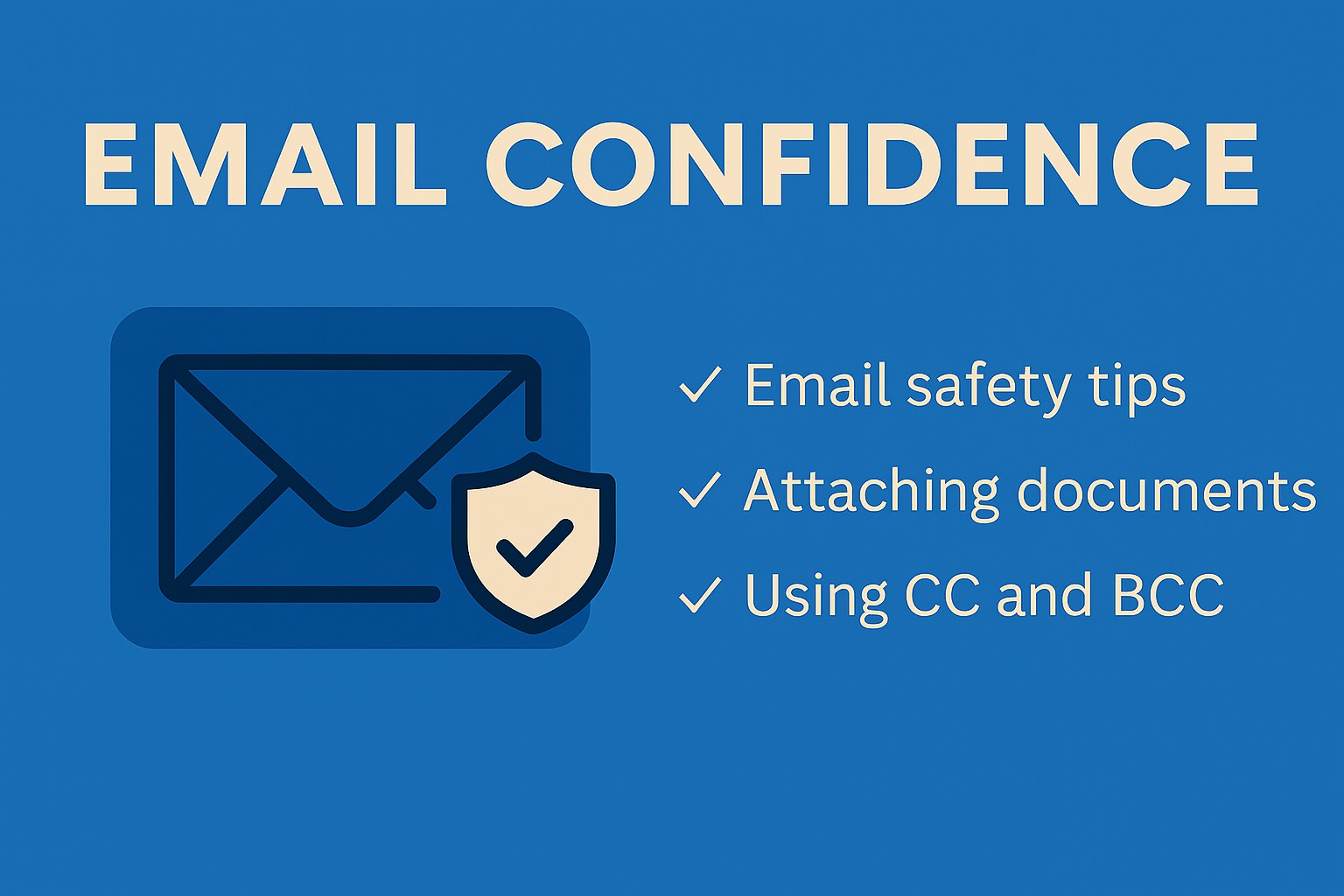
Email Confidence Webinar
Email Confidence: Stay Safe and Send with Ease
Email is a great way to stay connected—but it can feel confusing or even risky if you’re not sure how it works. In this webinar, we’ll guide you through:
✅ How to keep your email safe from scams and threats
✅ How to attach documents without worry
✅ When and how to use CC and BCC
✅ Other simple tips to make emailing easier
Join us and build confidence in using email safely and effectively!
Comming Soon!
ProTech Members- $35/ person
NonProTech Members- $40/ person
Windows 11 Essentials Webinar- Part 1
Windows 11 Essentials Training- Part 1
Join us for a friendly, easy-to-follow session designed to help you feel confident using Windows 11. Whether you’re brand new to computers or upgrading from an older version, this training will guide you through the essentials – from turning on your device and logging in, to exploring the Start Menu, browsing the internet, and staying safe online.
Let’s make technology accessible and enjoyable for everyone. Empower yourself with the skills to use your device for communication, entertainment, and everyday tasks.
Coming Soon!
ProTech Members- $35/ person
NonProTech Members- $40/ person
Windows 11 Essentials Webinar- Part 2
Windows 11 Essentials Training – Part 2
Join us for another relaxed, easy‑to‑follow session designed to help you feel even more confident using Windows 11. In Part 2, we’ll explore important tools and security features that help keep your computer running smoothly and your personal information protected.
In this session, you’ll learn:
- How to set up Storage Sense and manage your settings to keep your device organized
- All about backups — the different types, why they matter, and best practices
- How to create strong, secure passwords that protect your accounts
- What a VPN is and when to use one for extra privacy and security online
Let’s continue making technology simple and enjoyable. With these skills, you’ll feel empowered to use your device confidently for communication, entertainment, and everyday tasks.
Coming Soon!
ProTech Members- $35/ person
NonProTech Members- $40/ person

Cyber Security Essentials Webinar
Coming Soon!
ProTech Members- $35/ person
NonProTech Members- $40/ person