
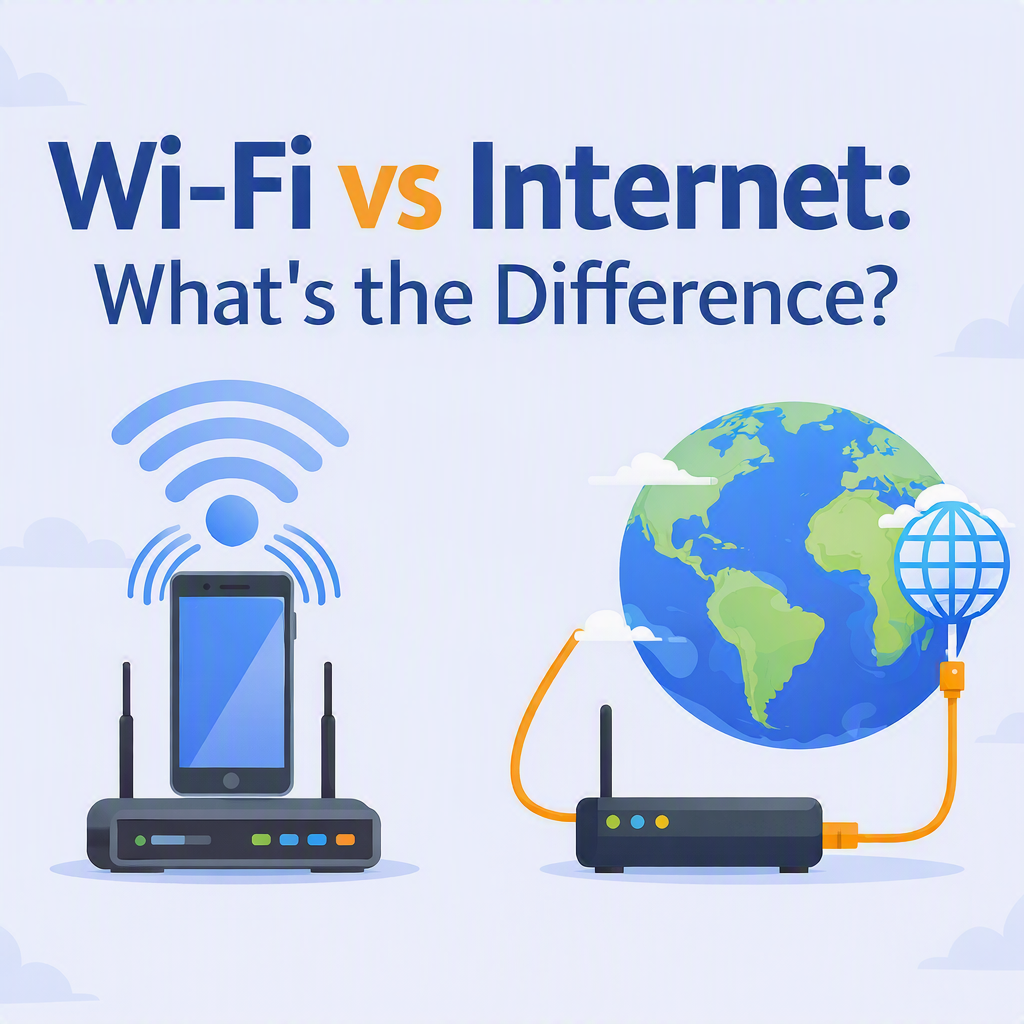
Many people use the terms Wi‑Fi and internet as if they mean the same thing, but they actually serve different purposes.
Think of it this way:
- The Internet is like a network of roads connecting cities around the world. It allows you to visit websites, send emails, stream videos, and use online apps.
- Wi‑Fi is like the driveway to your home. It provides a wireless connection between your device and your home or office network, helping you access the internet without a cable.
Another simple example:
- Internet = The water supply coming to your house.
- Wi‑Fi = The pipes inside your house delivering water to each room.
This means you can have:
✅ Wi‑Fi without internet — your router is working, but your internet provider is experiencing an outage.
✅ Internet without Wi‑Fi — a device is connected directly to the router with a network cable.
Connecting a Device to Wi‑Fi
The basic steps are similar on most devices:
- Open your Wi‑Fi settings.
- Select your network name.
- Enter the Wi‑Fi password.
- Connect.
You may hear the network name referred to as the SSID. A simple way to explain this is:
“Think of the Wi‑Fi name as the name on a mailbox. The password is the key that lets you in.
Quick Troubleshooting Tips
If you can’t get online:
- Make sure Wi‑Fi is turned on.
- Check that you’re connected to the correct network.
- Verify the password was entered correctly.
- Move closer to the router.
- Restart your device.
- Restart the router if needed
The Simple Explanation
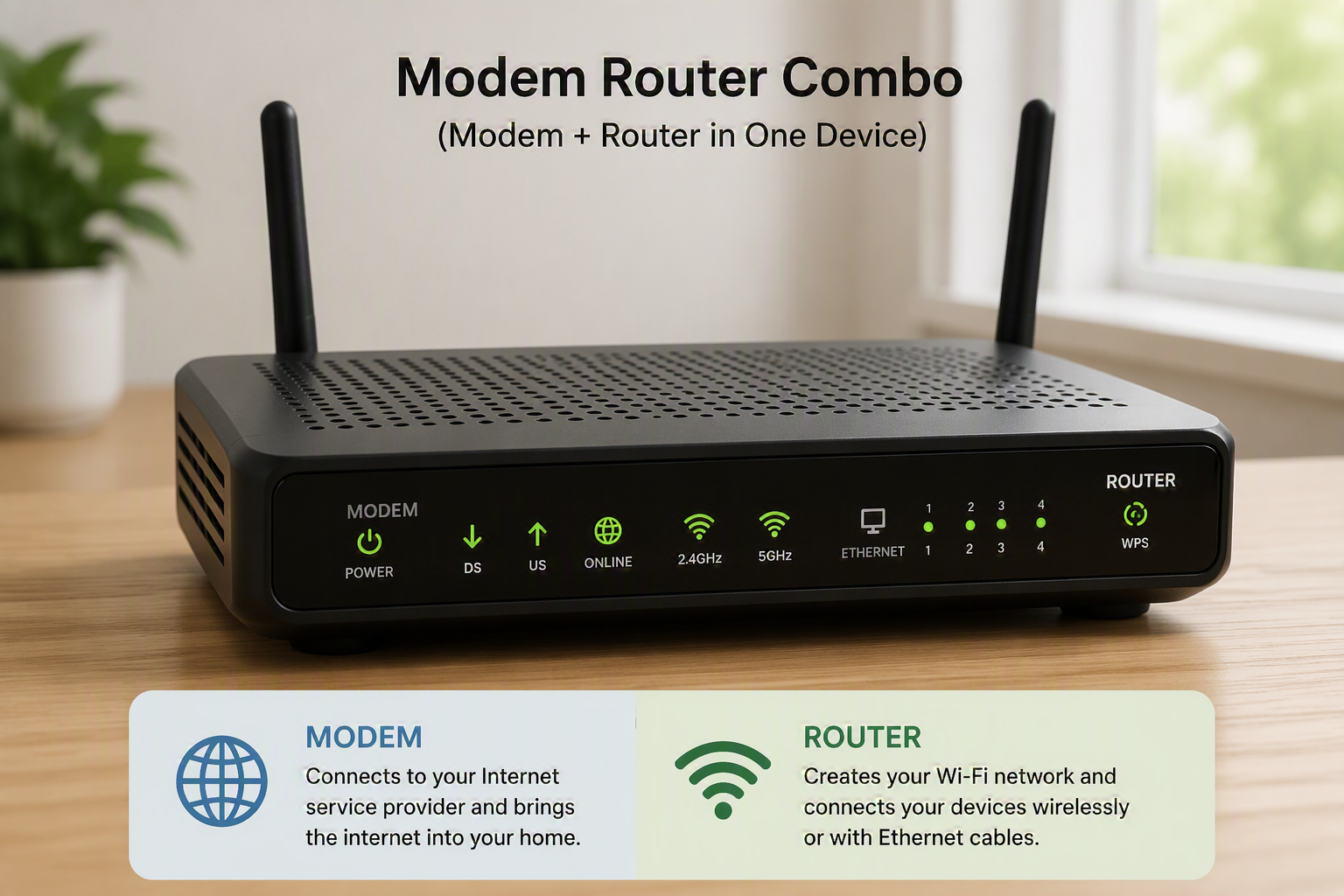
Wi‑Fi is the wireless connection between your device and your router, while the internet is the worldwide service that lets you access websites, email, and online content through that connection.
Recent Comments